
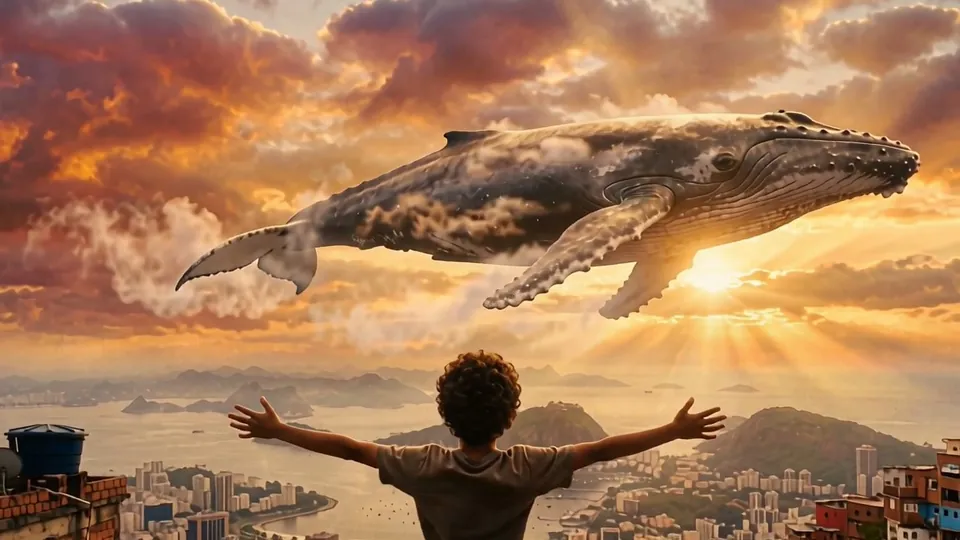
AI videos: Text or a photo becomes video.
Generate videos from text or images, with effects and templates.
What you can do
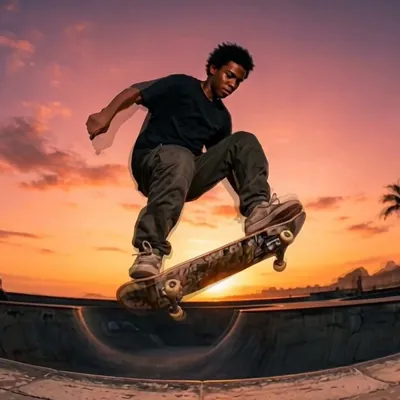
Describe the scene.
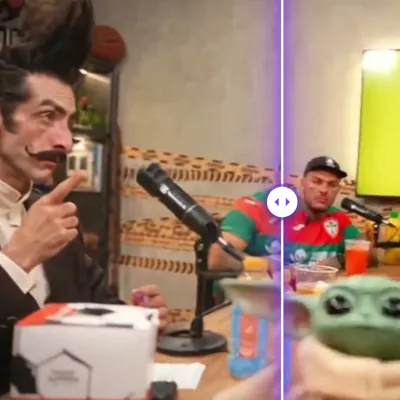
Animate a photo.
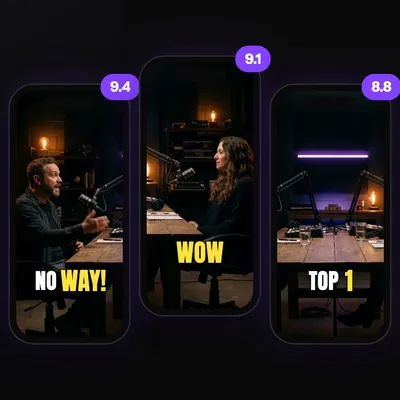
Ready-made presets.
Kling, Veo, Seedance and more.
How it works
Three steps. You see the cost before generating.
- 1Describe
Or upload the starting photo.
- 2Model and length
The cost shows before you generate.
- 3Video
Make a draft before the final version.
Who it's for
Scenes you couldn't shoot.
Series without showing your face, narrated.
Previs and storyboards in minutes.
A campaign film without a day on set.
About AI videos
AI videos is one of the 51 tools in Viral.Day, in the Video category. To use it, just sign in; when there is a cost in credits, it is shown before you confirm.
AI videos generates short videos from a text prompt or a starting image. You describe the scene, pick the model (Kling, Veo, Seedance and others) and the duration, and the cost in credits is shown before generating.
There are also ready-made effects and templates, and you can make a draft before the final version. Billing is per generated second, depending on the model; the list of models and prices is on the models page.
Frequently asked questions
- How much does it cost to generate a video?
- It depends on the model and the duration: the price is per generated second and is shown before you confirm.
- Can I start from a photo?
- Yes. Upload the starting image and describe the motion: the video starts from it.
- Which models are available?
- Kling, Veo, Seedance and others. The full list, with the price of each one, is on the models page.
More apps
Similar ones and the most used.
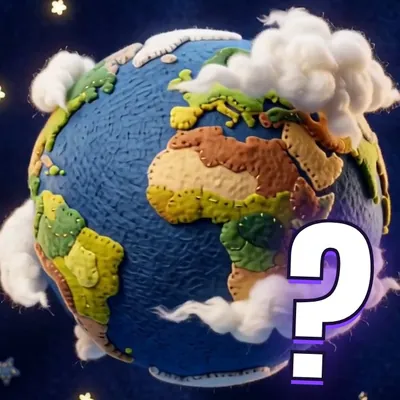
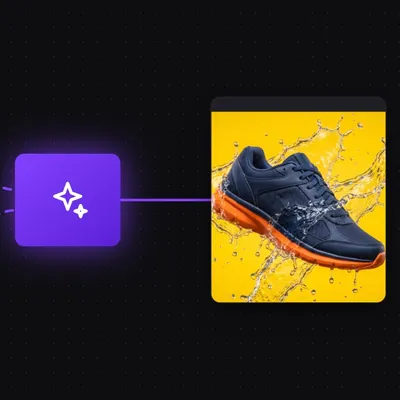
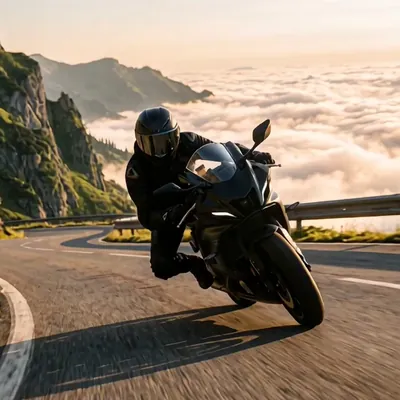
Ready to try AI videos?
Generate videos from text or images, with effects and templates.