
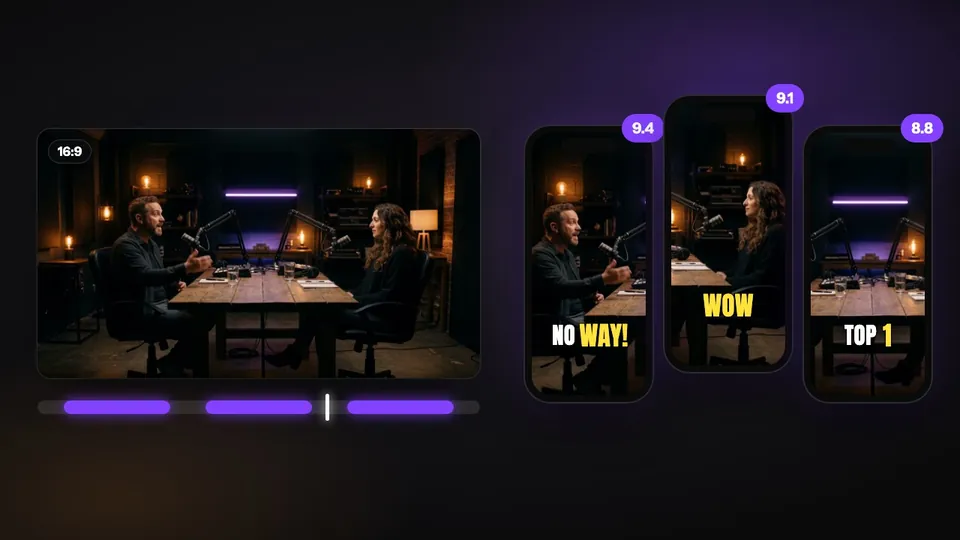
Clips: A long video becomes clips that perform.
Paste a link or upload a video and get the clips ready.
What you can do
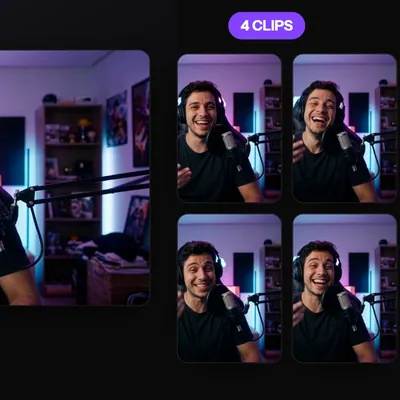
The best lines.
The peak moments.
Short tips.
The plays.
How it works
Three steps. You see the cost before generating.
- 1Paste the link
YouTube, Twitch, Kick, Google Drive or a file.
- 2Scored clips
Sorted by potential.
- 3Publish
Captioned and scheduled.
Who it's for
One stream becomes dozens of clips.
The best lines, in vertical.
Clips for the championships.
Volume for several channels.
About Clips
Clips is one of the 51 tools in Viral.Day, in the Clips and editing category. To use it, just sign in; when there is a cost in credits, it is shown before you confirm.
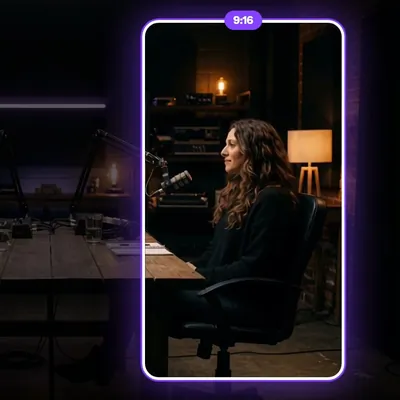
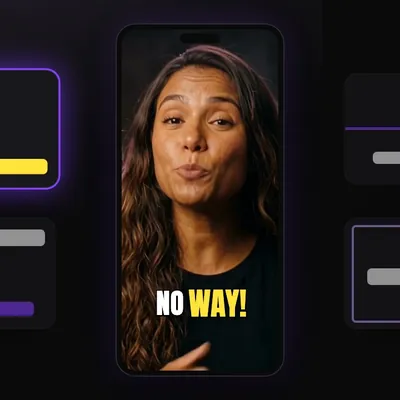
Clips turns a long video into several vertical clips ready to post. Paste a link (YouTube, Twitch, Kick, Google Drive) or upload a file (MP4, MOV, WebM, MKV, AVI) up to 10 hours or 10 GB; the AI picks the best moments and delivers each clip in 9:16, with captions.
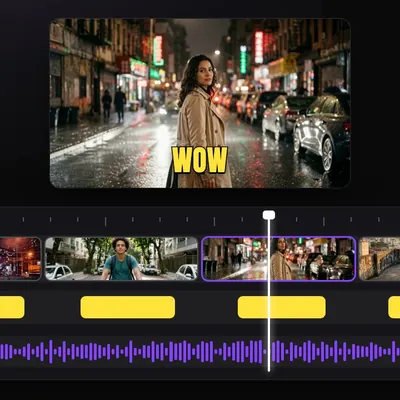
Every clip opens in the editor, where you can adjust the range, the captions and the framing. Then download it, publish it or schedule it to TikTok, Instagram Reels, YouTube Shorts up to 30 days ahead.
Frequently asked questions
- How much does it cost to create clips?
- 1 credit per minute of source video analyzed. You can try it for free with 3 clips from a YouTube link, no credit card needed.
- Which links and files does Clips accept?
- Links from YouTube, Twitch, Kick, Google Drive and MP4, MOV, WebM, MKV, AVI files, up to 10 hours or 10 GB.
- Do the clips come with captions?
- Yes. Captions are automatic and can be edited. You can also translate them into more than 150 languages and, on paid plans, dub the clip into more than 100 languages.
- Can I clip a live stream?
- Yes, in the Live clips app: paste the channel (Twitch, Kick) and the clips come out while the stream is still on air.
More apps
Similar ones and the most used.

Ready to try Clips?
Paste a link or upload a video and get the clips ready.