A channel with no camera, no actors
Describe each scene in your script and it becomes video. No recycled stock footage, nothing to film.
Just text becomes a scene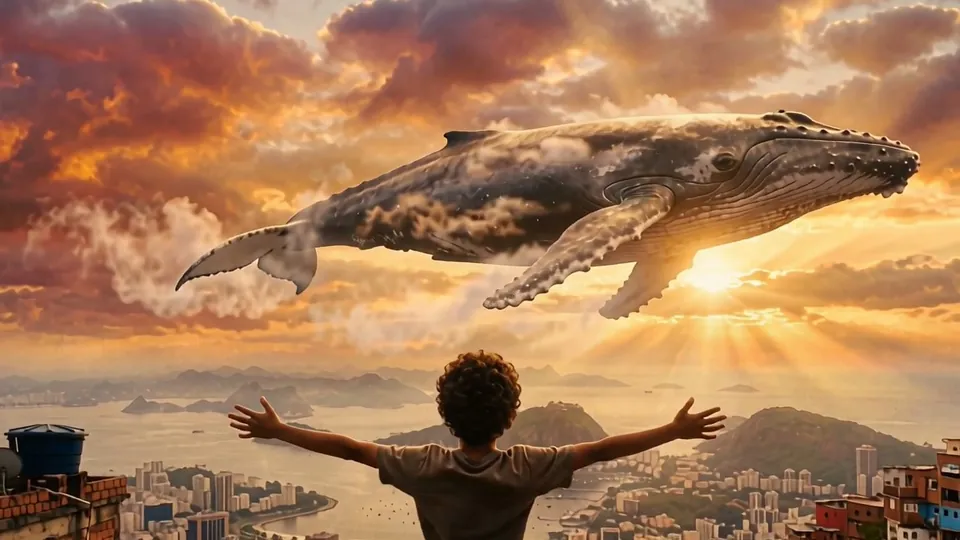
Generate videos from text or images, with effects and templates.
Describe the scene.
Animate a photo.
Ready-made presets.
Kling, Veo, Seedance and more.
Three steps. You see the cost before generating.
Or upload the starting photo.
The cost shows before you generate.
Make a draft before the final version.
Made with AI videos.
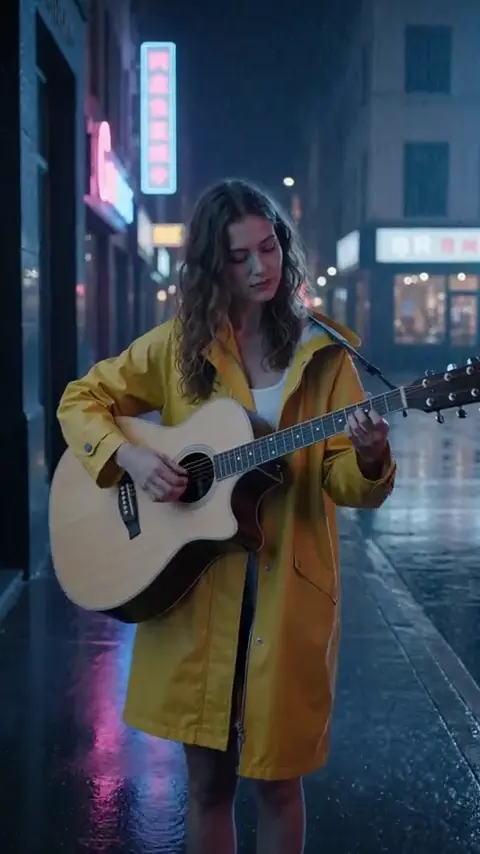
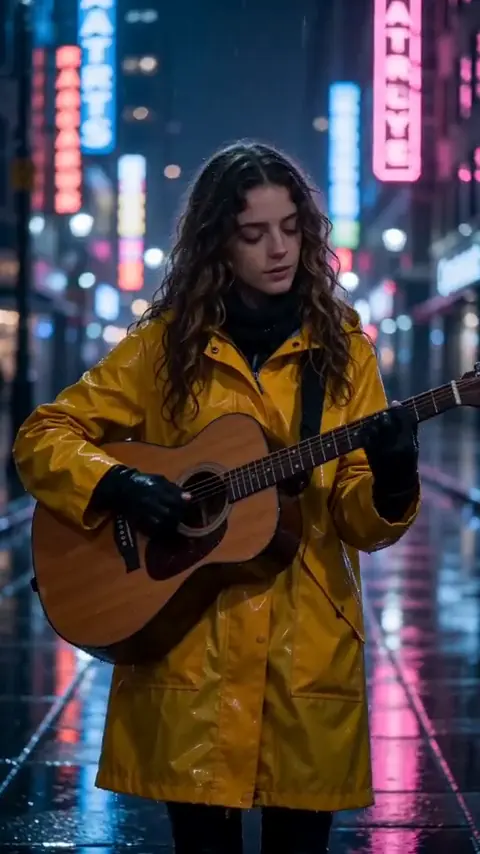
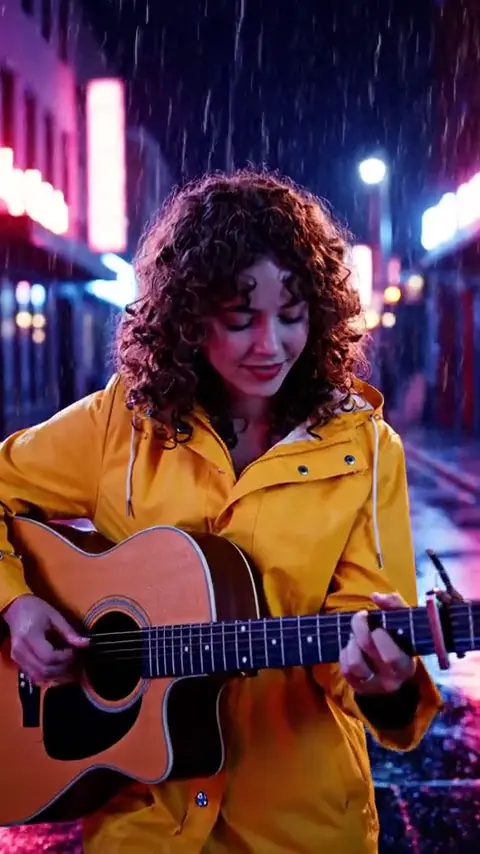
Describe each scene in your script and it becomes video. No recycled stock footage, nothing to film.
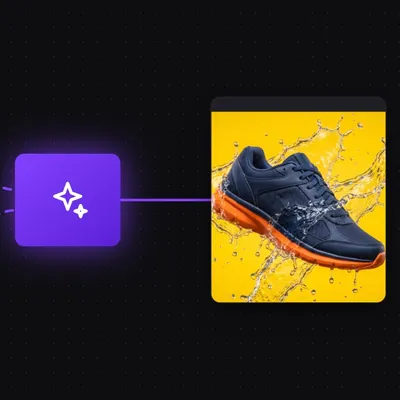
Just text becomes a sceneUpload the product photo as the first frame and get a short video for your ad or story.
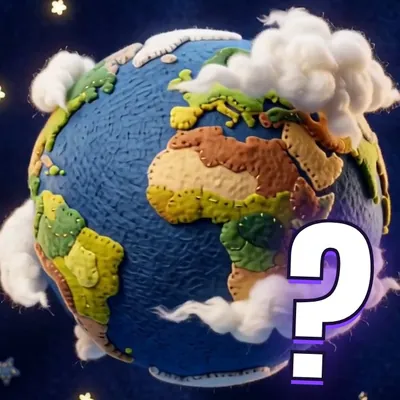
1 photo → a video adMeteor showers, future cities, talking animals: describe it and it becomes video. No crew, no location.
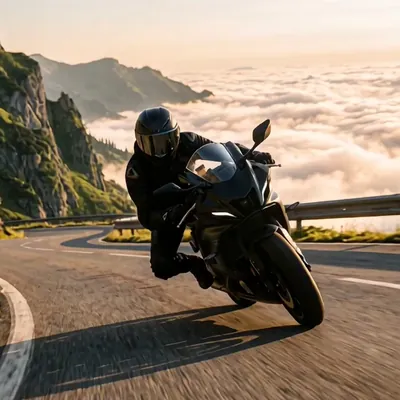
No location no crewMake a draft for the client to approve, then render the final only after the yes. Cost shows upfront.
Draft first final afterAI videos is one of the 52 tools in Viral.Day, in the Video category. To use it, just sign in; when there is a cost in credits, it is shown before you confirm.
AI videos generates short videos from a text prompt or a starting image. You describe the scene, pick the model (Kling, Veo, Seedance and others) and the duration, and the cost in credits is shown before generating.
There are also ready-made effects and templates, and you can make a draft before the final version. Billing is per generated second, depending on the model; the list of models and prices is on the models page.
Similar ones and the most used.
Generate videos from text or images, with effects and templates.