
Layers: A photo becomes layers you can move.
One photo becomes separate layers to move, hide and download.
What you can do
Each one with a transparent background.
Hide what you don't want.
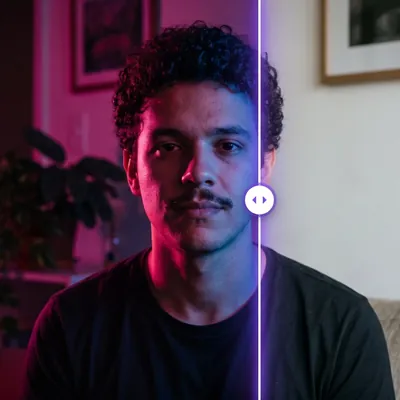
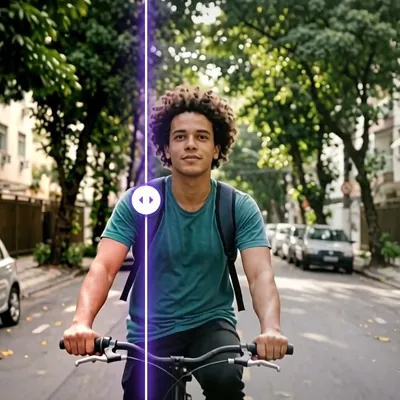
Drag right on the image.
One layer, the composition or everything as a .zip.
How it works
Three steps. You see the cost before generating.
- 1Upload the photo
A person, product or text in front of a background.
- 2Split
The layers come out as PNGs.
- 3Edit and download
Reorder, move and download.
Who it's for
Product photos ready for the store.
References and variations in minutes.
Covers and thumbnails that get the click.
Batches of assets in the client's style.
About Layers
Layers is one of the 51 tools in Viral.Day, in the Image category. To use it, just sign in; when there is a cost in credits, it is shown before you confirm.
More apps
Similar ones and the most used.

Ready to try Layers?
One photo becomes separate layers to move, hide and download.