
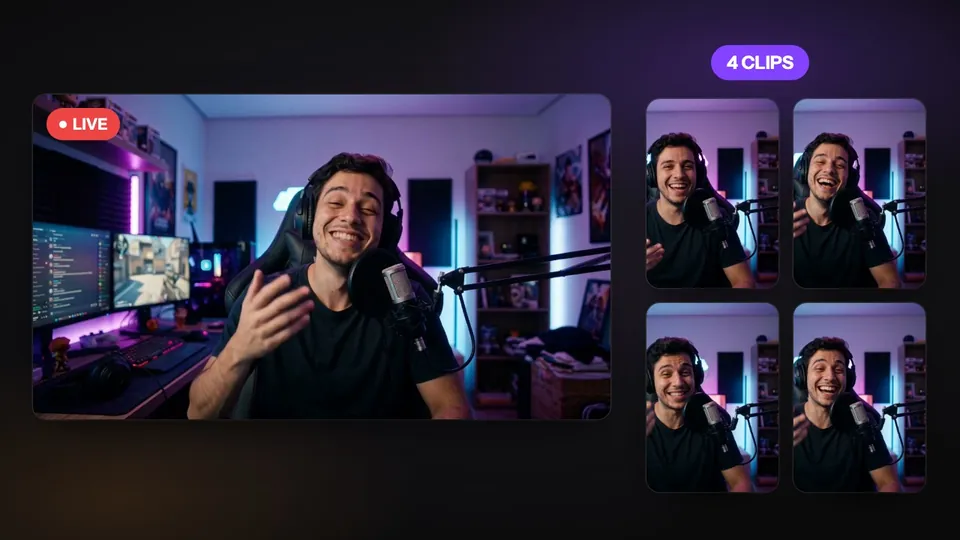
Live clips: Your live stream becomes clips while it is still on air.
Clips from your stream while it is still live.
What you can do
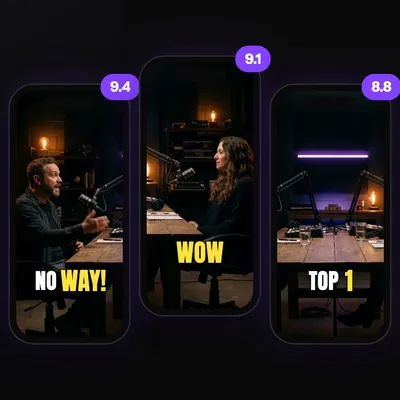
Best moments, funny bits, plays, chat reactions.
Your camera on top, the game below.
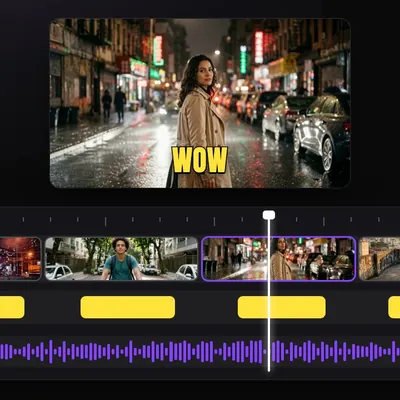
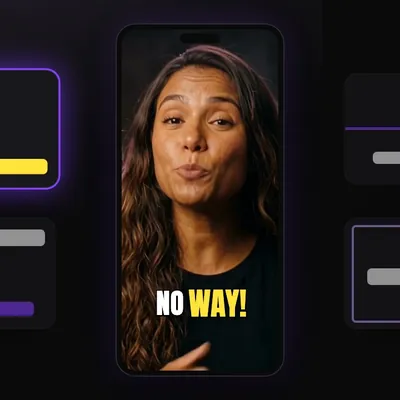
With emojis that match the speech.
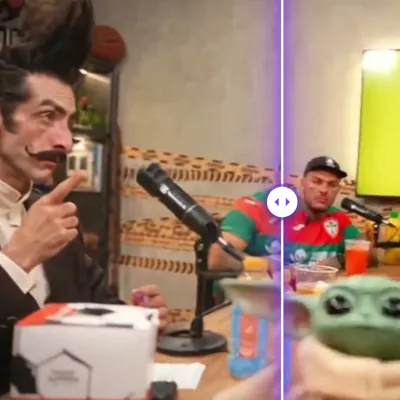
See how it will look before you start.
How it works
Three steps. You see the cost before generating.
- 1Paste the channel
Twitch or Kick.
- 2The AI watches
When the stream starts, it finds the best moments.
- 3Clips ready
In the Lives tab, ready to post.
Who it's for
One stream becomes dozens of clips.
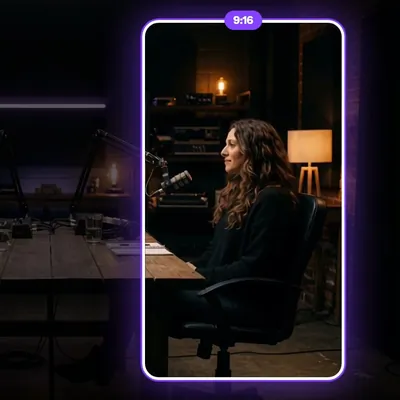
The best lines, in vertical.
Clips for the championships.
Volume for several channels.
About Live clips
Live clips is one of the 51 tools in Viral.Day, in the Clips and editing category. To use it, just sign in; when there is a cost in credits, it is shown before you confirm.
Live clips follows a channel (Twitch, Kick) and creates the clips while the stream is still on air, without waiting for it to end. When the stream starts, the AI watches and picks the best moments; the clips land in the Lives tab, ready to post.
You choose what to clip (best moments, funny moments, plays, chat reactions), the gameplay layout with your camera on top and the game below, and captions with emojis. The preview shows how the clip will look before you start.
Frequently asked questions
- Which platforms does it work on?
- On Twitch, Kick channels.
- Do I have to wait for the stream to end?
- No. Clips are created during the broadcast and show up in the Lives tab.
- Can I clip a video that is already recorded?
- Yes, in the Clips app: paste the video link or upload the file.
More apps
Similar ones and the most used.

Ready to try Live clips?
Clips from your stream while it is still live.