You can only clip and republish video content if you own the original copyright, have explicit permission from the creator, or if your edit strictly qualifies under fair use laws. Downloading a streamer's live broadcast or a creator's podcast to cut and upload as your own—without authorization—is copyright infringement. Platforms enforce these rules strictly. If you want to build a sustainable clipping channel or manage short-form campaigns, you must secure rights first. Relying on built-in platform clipping tools is safe and credits the original creator, but downloading third-party videos to edit in external software requires a license or a highly transformative approach to avoid Digital Millennium Copyright Act (DMCA) strikes and channel termination.
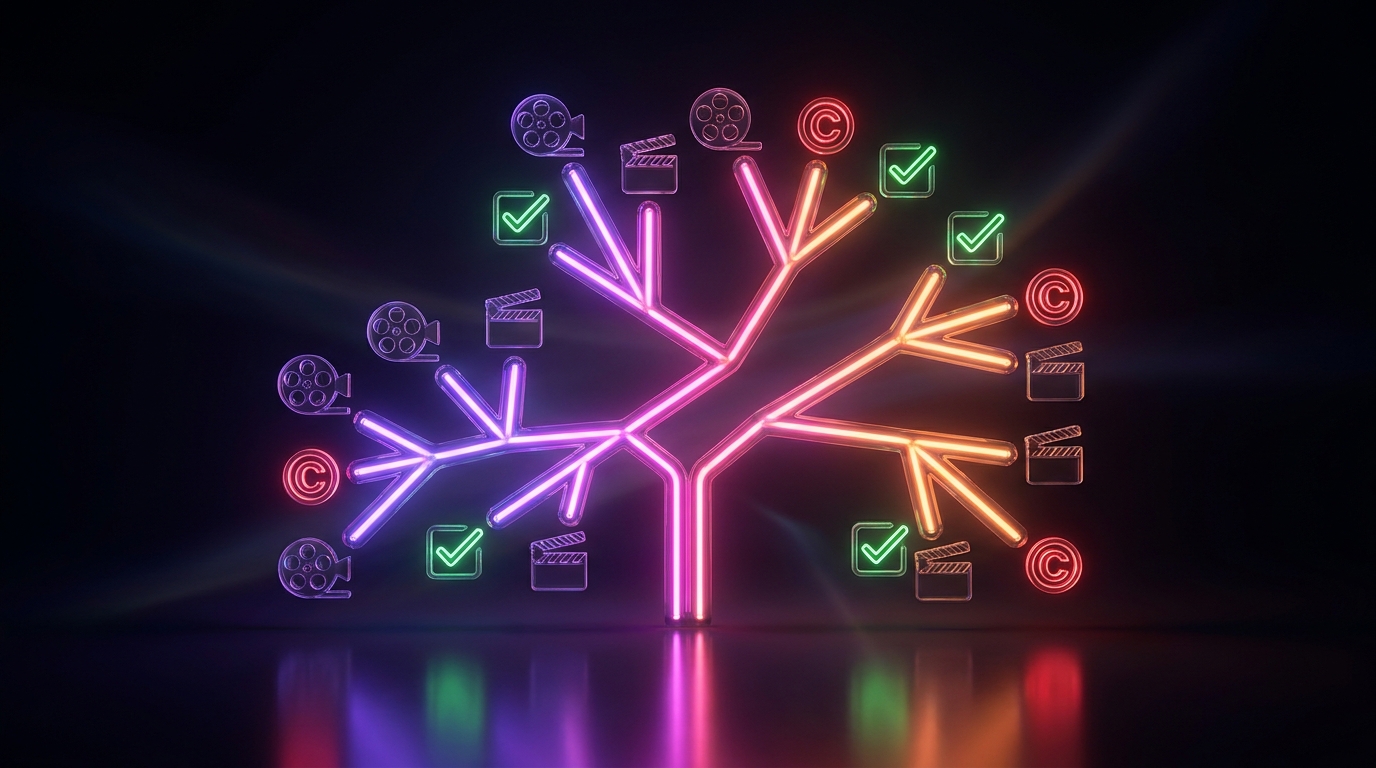
The Decision Tree for Video Clippers
To determine if you can legally clip a video, follow this basic hierarchy of rights. Before you download any media, ask yourself which of these categories your project falls into:
- Owned Content: You recorded the video, podcast, or live stream yourself. You hold all copyrights and can clip, edit, and distribute the footage across any social media platform without restriction.
- Explicit Authorization: The original creator or copyright holder gave you written permission to clip their content. This is the standard practice for campaign managers and freelance editors hired to promote a streamer or brand.
- Platform-Native Clipping: You use built-in platform features. For example, YouTube's Clip tool allows viewers to share 5 to 60-second segments of eligible videos. The original creator retains all views, watch time, and ad revenue, and they have the authority to disable this feature on their channel at any time.
- Fair Use: You are using a short segment of copyrighted material for a transformative purpose. This is a legal defense, not a right, and typically applies to criticism, commentary, or news reporting.
- Unauthorized Use: You download a video, cut it, and upload it to your own channel without permission or transformative commentary. This violates copyright law and platform terms of service.
Twitch and YouTube Copyright Policies
Both Twitch and YouTube operate under strict DMCA compliance to protect copyright holders. According to Twitch's DMCA Guidelines, users are expressly prohibited from sharing content they do not own the rights to share. This includes broadcasting copyrighted music, television shows, or other streamers' live broadcasts without permission. If a copyright owner reports your unauthorized clip, Twitch will issue a strike against your account.
However, Twitch provides a native, legally compliant way to share moments. The Twitch Clips feature lets viewers capture up to 60 seconds of a live stream or Video on Demand (VOD). These clips live on the creator's channel ecosystem, credit the original broadcaster, and drive traffic back to their stream.
Similarly, YouTube creators must only upload content they have made or are legally authorized to use, as outlined in YouTube's copyright rules. Downloading a YouTube video via a third-party site, editing it in a dedicated AI clip tool, and re-uploading it as a YouTube Short on an unaffiliated channel is a direct violation unless you have secured rights or meet fair use criteria.
Understanding Fair Use in Video Clipping
Many clippers mistakenly believe that adding captions, background music, or split-screen gameplay footage beneath a podcast clip automatically makes it "fair use." This is false. In US copyright law, fair use is determined by a judge based on four factors, primarily focusing on whether the new work is highly transformative.
YouTube's fair use guidelines clarify that uses for commentary, criticism, research, teaching, or news reporting are most likely to be protected. The four factors include:
- The purpose and character of the use: Is it commercial or non-commercial? Is it transformative? Adding a voiceover critiquing a creator's video is transformative; just adding subtitles is not.
- The nature of the copyrighted work: Factual works (like news) are less protected than highly creative works (like movies or scripted comedy).
- The amount and substantiality of the portion used: Using a 10-second clip to make a specific point is more likely to be fair use than uploading a 5-minute highlight reel of the best jokes.
- The effect of the use upon the potential market: If your clip serves as a replacement for the original video, costing the original creator views, it is unlikely to be fair use.
If you simply use an AI highlight finder to extract funny moments from a broadcast and re-upload them with auto-captions, you are not transforming the meaning of the work. You are redistributing the original entertainment value, which requires permission.
Common Copyright Myths for Clippers
The clipping community is filled with misinformation regarding what is legally permissible. Relying on these myths can lead to severe penalties for your channel.
- Myth 1: "Giving credit in the description protects me." Simply tagging the original creator or writing "No copyright infringement intended" offers zero legal protection. If you do not have permission or a valid fair use defense, crediting the source does not prevent a DMCA strike.
- Myth 2: "Clips under 10 seconds are automatically fair use." There is no specific time limit that guarantees fair use. While using shorter segments is generally safer, a 5-second clip can still be claimed if it contains the heart of the original work and is not used transformatively.
- Myth 3: "If the streamer doesn't care, it's fine." While a streamer might verbally state on a live broadcast that they allow clipping, this is not a formal license. Without written authorization, they or their management agency can change their minds and issue takedowns at any time.
Securing Streamer Authorizations for Campaigns
If your goal is to build a clipping channel or an agency, the safest and most profitable route is to partner directly with creators. Streamers, podcast hosts, and brands frequently hire video editors and campaign managers to expand their reach on platforms like TikTok, Instagram Reels, and YouTube Shorts.
When you have explicit, written permission, you bypass copyright risks entirely. You can freely download their VODs, process them through editing software, and distribute them across social media networks as agreed upon. Many creators provide a brand kit and a specific license agreement detailing how their face, voice, and gameplay can be used. Always secure this authorization in writing—via email or a formal contract—before investing time in editing.
The Consequences of Unauthorized Clipping
Social media platforms rely on automated Content ID systems and manual reporting to enforce copyright. If a copyright owner finds your unauthorized clip, they can issue a formal takedown request. On both Twitch and YouTube, receiving three copyright strikes typically results in permanent account termination, banning you from creating new channels.
Furthermore, unauthorized clipping channels struggle to monetize. Even if a creator chooses not to strike your channel, YouTube's Partner Program aggressively demonetizes or rejects channels that upload "reused content." If your channel consists entirely of clips from other creators without significant original commentary, educational value, or narrative structure, you will not be eligible to earn ad revenue.
Editing Authorized Clips Efficiently
Once you have the legal right to clip a video—whether it is your own podcast or a partnered streamer's broadcast—efficiency becomes the next priority. Processing long streams into vertical formats can be incredibly time-consuming without the right tools.
If you are working with authorized content, Viral Day is an AI clipping platform designed to streamline this process. It analyzes source videos (up to 10 hours long) across 18 viral-potential signals to assist with AI-assisted clip selection. For editors managing creator campaigns, Viral Day includes a professional video editor, automatic captions, a brand kit feature, and Prisma multimodal AI auto reframing for 9:16 video. The entry plan starts at $9.99/month for 30 hours of processing, with options for 1080p or 4K local exports, helping you scale authorized clipping operations efficiently.