Choosing the right AI video generator in 2026 is no longer about finding a tool that can simply chop a long video into smaller pieces. It is about finding a specialized engine that drives actual views, engagement, and revenue. The short-form video landscape has matured. Viewers instantly scroll past generic, poorly edited clips, demanding high-retention editing, dynamic b-roll, and flawless pacing.
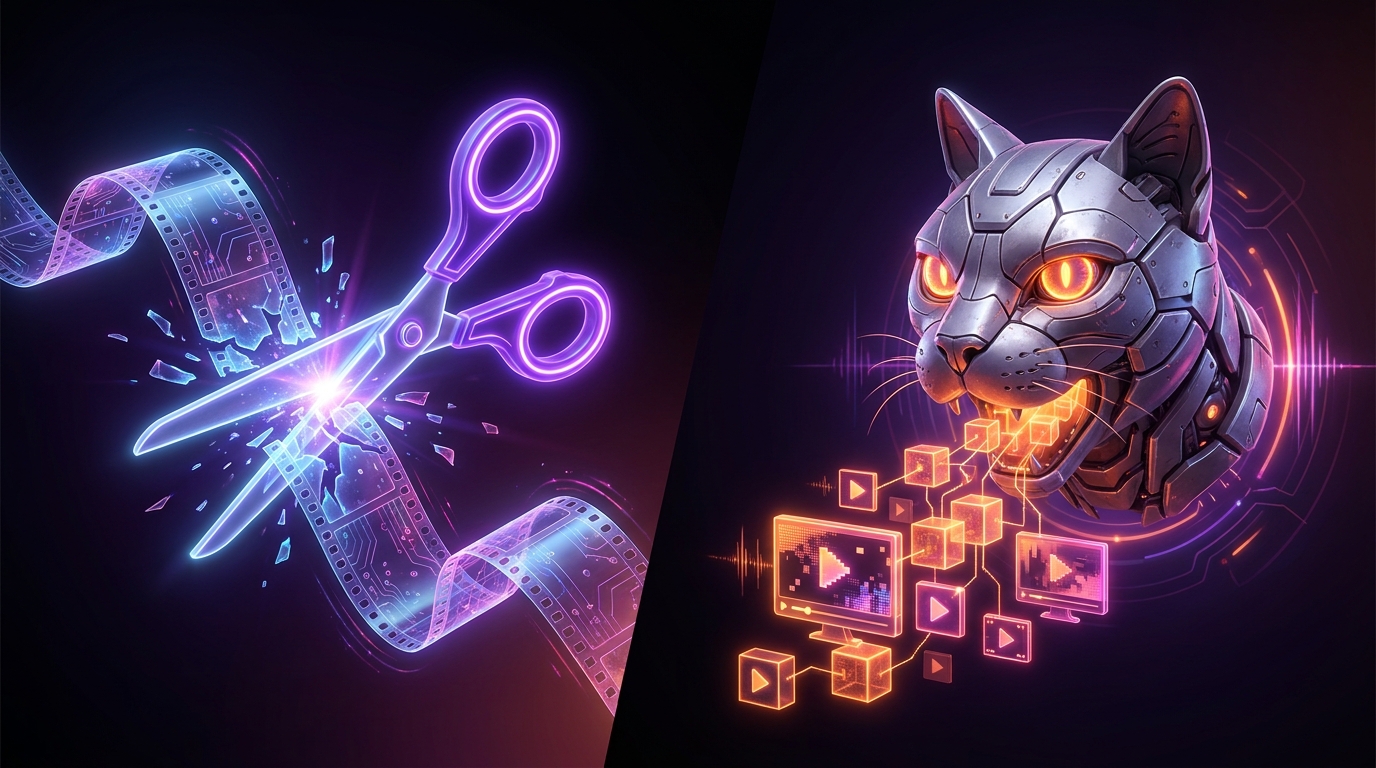
In the battle for the best short form generator, two names frequently dominate the conversation: Opus Clip and Zebracat. While they both promise to automate your TikTok, Reels, and Shorts production, they operate on completely different philosophies. One is a master of repurposing long-form dialogue, while the other is a powerhouse for text-to-video generation.
Here is the definitive breakdown of opus clip vs zebracat, analyzing their features, workflows, pricing, and output quality to help you decide which tool deserves your budget this year.
The Core Philosophy: Repurposing vs. Generation
To understand which tool fits your workflow, you must understand their foundational programming. You cannot force a repurposing tool to be a generative tool without sacrificing quality.
Opus Clip is an AI repurposing engine. You feed it a YouTube link, a podcast episode, or a Zoom webinar, and its natural language processing (NLP) scans the transcript for high-value conversational spikes. It looks for a strong hook, a cohesive argument, and a clear resolution. It then crops the video (usually tracking the speaker's face), adds animated captions, and delivers a vertical video.
Zebracat, on the other hand, is a generative video platform. While it can edit existing footage, its true strength lies in its text-to-video capabilities. You input a script, a blog post, or a simple prompt, and Zebracat generates a complete short-form video. It synthesizes an AI voiceover, pulls relevant stock footage or AI-generated visuals for b-roll, and overlays captions. It is built for marketers, ad agencies, and faceless channel creators who start with an idea rather than a 60-minute raw video file.
Feature Breakdown: Opus Clip vs Zebracat
When comparing new AI clip tools, you have to look past the marketing hype and examine the actual user experience in the timeline editor.
AI Clipping Accuracy and Viral Scoring
Opus Clip built its reputation on its "Virality Score." When it processes a video, it assigns a score from 1 to 99 based on how closely the clip's structure matches historically viral TikToks.
Actionable Advice: When using Opus Clip, do not blindly export every clip it generates. Set your preferences to only show clips with a Virality Score of 90 or above, and restrict the length to 30–60 seconds. The AI tends to lose narrative focus on clips longer than 60 seconds.
Zebracat does not score pre-existing footage in the same way. Instead, its AI optimizes the pacing of the generated video. It automatically cuts dead air in the AI voiceover and times the b-roll transitions to the beat of the background music. The accuracy here is measured by how well the visual matches the spoken word. Zebracat’s semantic matching is highly accurate, but you will still occasionally need to swap out a generic stock clip for something more specific.
B-Roll, Visuals, and Face Tracking
Short-form content requires visual resets every 2 to 3 seconds to retain viewer attention.
Opus Clip recently introduced AI b-roll features, attempting to match the capabilities of tools like Vizard and Klap. It scans the transcript and overlays stock footage over the speaker. However, Opus Clip's primary visual strength remains its Active Speaker Face Tracking. It flawlessly keeps the subject centered in a 9:16 frame, even if they are pacing across a stage.
Zebracat dominates the b-roll category. Because it is built to generate visuals from scratch, its integration with premium stock libraries and AI image generators is seamless. If your script mentions "a futuristic city," Zebracat instantly places a high-quality, relevant clip on the timeline.
Captions and Brand Kits
Both platforms offer dynamic, animated captions (often referred to as Hormozi-style captions).
Opus Clip allows you to set up a comprehensive Brand Kit. You can lock in your brand colors, custom fonts, and logo placements so every exported clip maintains visual consistency.
Zebracat also offers robust text styling, but its editor feels closer to CapCut or Descript. It gives you more granular control over the timeline, allowing you to adjust exact transition points, swap out text animations per scene, and fine-tune the audio mix between the voiceover and background track.
Pricing Showdown: Which Tool Offers Better ROI?
Software subscriptions add up quickly. If you are producing daily content across multiple platforms, you need a pricing model that scales without punishing your profit margins.
| Feature/Metric | Opus Clip (Pro) | Zebracat (Creator) | Viral Day (Pro) |
|---|---|---|---|
| Primary Use Case | Long-form Repurposing | Text-to-Video / Faceless | Repurposing + Auto-Posting |
| Monthly Price (Est.) | ~$19 - $29/mo | ~$29 - $49/mo | ~$9/mo |
| Video Generation | From Video Links/Files | From Text/Scripts | From Video Links/Files |
| Auto-Posting to Socials | Limited / Zapier required | No | Yes (TikTok, Reels, Shorts) |
| AI Auto-Replies/DMs | No | No | Yes |
| Export Resolution | 1080p | 1080p | 1080p |
Opus Clip operates on a credit system based on upload minutes. If you upload a lot of dead air (like unedited Twitch streams), you will burn through your credits quickly.
Zebracat charges based on generated video minutes. Because text-to-video requires heavy server-side rendering and premium stock asset licensing, it generally sits at a higher price point for heavy users.
If you are looking for an Opus Clip alternative that dramatically cuts costs without sacrificing quality, Viral Day enters the conversation as a disruptive force. At roughly a quarter of the price of premium competitors, it offers a suite of tools designed not just for editing, but for actual audience growth.
Workflow Integration: Speed from Upload to Publish
Efficiency is the ultimate metric for a short form generator.
The Opus Clip Workflow:
- Paste a YouTube URL (e.g., a 45-minute podcast).
- Wait 10–15 minutes for the AI to process.
- Review 10–15 generated clips.
- Tweak the captions and adjust the start/stop times.
- Download to your hard drive, then manually upload to TikTok, Instagram, and YouTube Shorts.
The Zebracat Workflow:
- Paste a 200-word script or prompt.
- Select an AI voice and visual style.
- Wait 3–5 minutes for scene generation.
- Swap out any mismatched b-roll in the timeline editor.
- Download the final video for manual distribution.
Both tools require manual distribution at the end of the pipeline. This is a massive bottleneck for creators managing multiple accounts or agency clients. You can spend 20 minutes generating the perfect clip, only to waste another 30 minutes writing captions, adding hashtags, and scheduling posts natively on three different apps.
When to Choose Opus Clip
You should invest in Opus Clip if your content strategy revolves around personality-driven, long-form video. It is the undisputed king of the talking head.
- Podcasters: Easily turn a 2-hour interview into 20 promotional Reels.
- Educators and Consultants: Extract the most valuable "golden nuggets" from your webinars and keynotes.
- Streamers: Pull high-engagement moments from Twitch or YouTube Live streams (though you must ensure the audio quality is high enough for the NLP to parse the context).
When to Choose Zebracat
You should choose Zebracat if you do not want to be on camera, or if you are running paid ad campaigns at scale.
- Faceless YouTube Channels: Generate Reddit stories, historical facts, or motivational shorts entirely from text.
- E-commerce Brands: Rapidly prototype 10 different variations of a TikTok ad by simply changing the text prompt and letting the AI swap the b-roll.
- Marketing Agencies: Turn client blog posts or newsletters into engaging short-form video summaries without needing to schedule a video shoot.
The Ultimate Alternative: Why Viral Day Beats Both
While the opus clip vs zebracat debate covers the two extremes of repurposing and generation, both tools share a common flaw: they stop working the moment the video is rendered. In 2026, generating a video is only 20% of the battle. The other 80% is distribution, community engagement, and algorithmic optimization.
This is where Viral Day steps in as arguably the best short form generator for growth-focused creators. It is built as a complete viral ecosystem rather than just a clipping tool.
First, Viral Day analyzes your footage using 18 distinct viral parameters—evaluating hook retention, visual pacing, keyword density, and emotional spikes—ensuring the clips it extracts are scientifically primed for the algorithm. It includes advanced face tracking, a customizable brand kit, and crisp 1080p exports without watermarks.
But the true differentiator is the automation after the edit. Viral Day natively auto-posts your generated clips directly to TikTok, Instagram Reels, and YouTube Shorts. You never have to leave the dashboard. Furthermore, it utilizes AI to automatically reply to comments and send direct messages to engaged viewers. If a viewer comments "send me the link" on your Reel, Viral Day's AI instantly DMs them your funnel link and replies to their comment to boost the post's algorithmic reach.
By combining high-tier AI editing with automated social media management—at roughly 4x cheaper than Opus Clip—Viral Day eliminates the friction between content creation and audience monetization.
Final Verdict
The choice between Opus Clip and Zebracat comes down to your raw materials. If you have hours of talking-head footage, Opus Clip will save you days of manual scrubbing in Premiere Pro. If you have scripts and ideas but no camera equipment, Zebracat is your ideal text-to-video studio.
However, if your goal is to generate high-quality clips, automate your publishing schedule, and convert viewers into leads via automated DMs—all while protecting your budget—you need a tool that handles the entire lifecycle of a short-form video. Stop wasting hours manually posting and interacting with comments. Try Viral Day for free today and put your entire short-form growth strategy on autopilot.