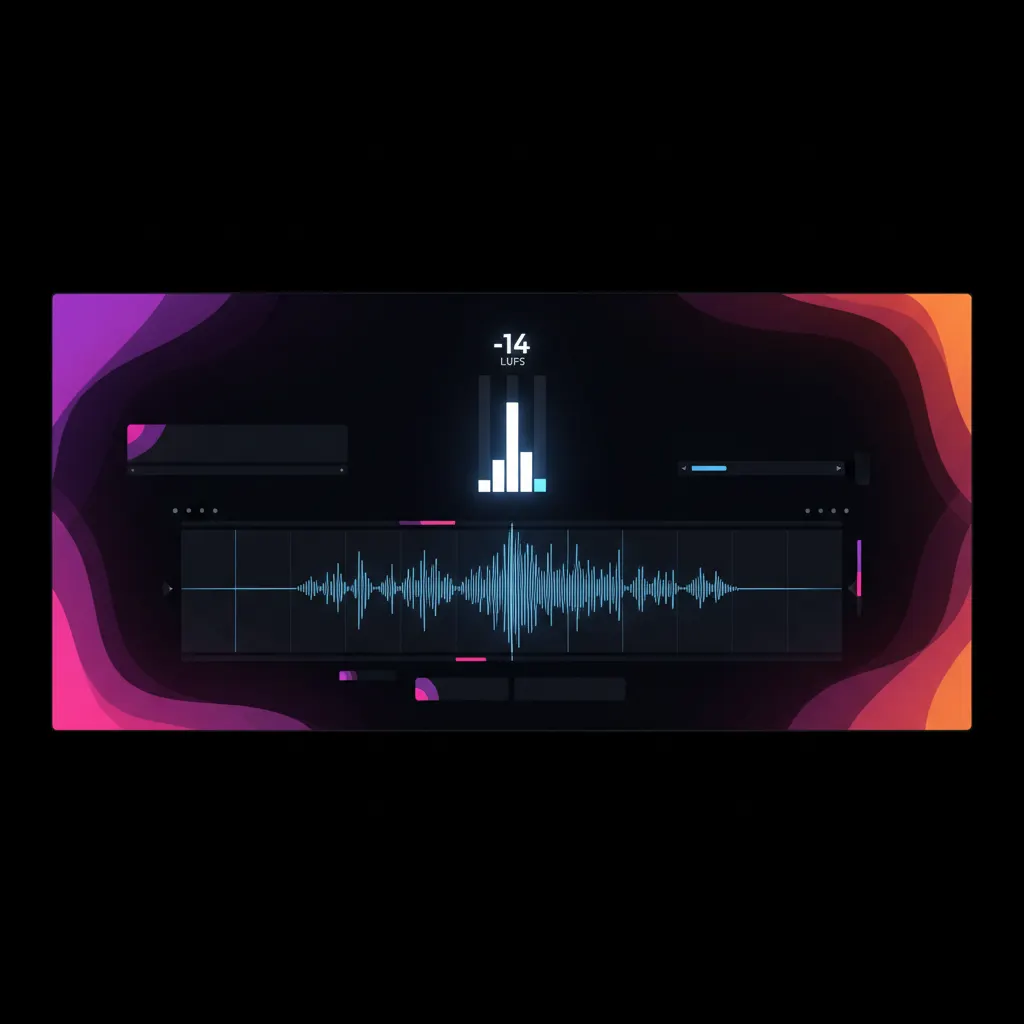
Short-form video platforms like TikTok, YouTube Shorts, and Instagram Reels require audio to be normalized to an integrated loudness of -14 LUFS (Loudness Units relative to Full Scale) with a true peak of -1 dB. If your video is quieter than this standard, viewers will likely scroll past because they cannot hear the dialogue. If your video is louder, the platform's algorithm will apply heavy compression, distorting your audio mix and crushing your dynamic range. Normalizing your audio to exactly -14 LUFS ensures your clips sound punchy, clear, and professional on mobile devices without triggering platform loudness penalties.
Why -14 LUFS is the Standard for Short-Form Video
For decades, audio engineers relied on peak meters to measure volume. However, peak meters only measure the absolute highest electrical signal at a given millisecond, which does not correlate with how human ears perceive loudness. A sudden snare drum hit might peak at 0 dB but sound quiet, while a heavily compressed voiceover peaking at -3 dB might sound deafening.
LUFS was introduced to measure perceived loudness over time. It analyzes the frequency content and duration of sounds to provide a highly accurate representation of how loud a track feels to a listener. The -14 LUFS target originated in the music streaming industry as a way to end the "loudness wars"—a period where engineers aggressively compressed music to make it sound louder than competing tracks. Today, Spotify normalizes audio to -14 LUFS to ensure a consistent listening experience across playlists. Because mobile users consume social video identically to streaming music—swiping rapidly between different creators—major social platforms adopted this exact same -14 LUFS standard for their mobile feeds.
True Peak vs. Integrated Loudness in Video Editing
When normalizing audio for shorts, professional video clippers must monitor two distinct metrics simultaneously: Integrated Loudness and True Peak.
Integrated Loudness measures the average perceived volume across the entire duration of your video clip. If you have a 60-second YouTube Short, the Integrated Loudness calculates the overall energy from the first frame to the last. This is the metric you are aiming to lock at -14 LUFS.
True Peak measures the absolute highest peak of the audio waveform, including "inter-sample peaks" that occur when digital audio is converted back to an analog signal by a phone's speaker. Even if your digital peak meter reads -0.5 dB, the analog conversion might push the sound above 0 dB, causing digital clipping and distortion. By setting a True Peak limit of -1 dB (or -2 dB for highly compressed electronic music), you guarantee that the audio will never distort on a viewer's mobile device, regardless of how loud the Integrated LUFS reading is.
How Improper Audio Levels Hurt Retention
Audio is half of the video experience. When a user swipes from a perfectly normalized video to a quiet one (e.g., -22 LUFS), they rarely take the time to press the volume buttons on their phone. Instead, they simply scroll away. This immediate abandonment sends a negative signal to the algorithm, killing the video's reach. If you are learning How to Improve Shorts Retention on AI-Generated Clips, fixing quiet audio is the lowest-hanging fruit.
Conversely, pushing audio to -8 LUFS causes the platform's automated limiter to engage. The platform will forcefully turn down your video to hit -14 LUFS, but in doing so, it flattens the dynamic range. Voiceovers sound muffled, background music pumps awkwardly over dialogue, and sound effects lose their impact. For creators working with music, such as those exploring How DJs and Musicians Create DJ Set Clips Using AI, platform compression can completely ruin the fidelity of the performance.
Because audio normalization is a pass/fail metric for platform delivery, verifying your LUFS should be a mandatory step in any 10-Item Viral Clip Checklist for 2026 (Before You Post).
Measuring LUFS in Professional Video Editors
You cannot guess LUFS by ear. You must use a dedicated loudness meter to monitor your master output bus before exporting.
In Final Cut Pro, you can visually measure audio levels using the built-in peak meters to ensure you aren't clipping, but for broadcast-compliant Integrated Loudness, you need to apply a dedicated LUFS meter effect to your master track.
If you route your audio through a Digital Audio Workstation (DAW) for final mixing, tools like the Loudness Meter in Logic Pro provide exact, real-time readings. A professional meter will display three critical metrics:
- Momentary Loudness: Measures a rolling 400-millisecond window. Useful for checking the loudness of specific sound effects.
- Short Term Loudness: Measures a rolling 3-second window. Ideal for checking the consistency of dialogue.
- Integrated Loudness: Measures the entire clip from start to finish. This must read -14 LUFS.
Step-by-Step Workflow for Normalizing Clips
To achieve a consistent -14 LUFS without crushing your audio, follow this standard post-production chain on your master audio bus:
- Gain Staging: Balance your individual tracks first. The dialogue should be the loudest element, background music should sit at least 15 to 20 dB below the dialogue, and sound effects should be mixed to taste without overpowering the voice.
- Compression: Apply a light compressor to the dialogue track. Set a ratio of 3:1 or 4:1 with a fast attack and medium release. This reduces the dynamic range, making the quiet words louder and the loud words quieter, which makes hitting your LUFS target much easier.
- True Peak Limiting: Place a True Peak Limiter as the very last plugin on your master audio bus. Set the ceiling (the maximum allowed output) to -1.0 dBTP (True Peak).
- Drive the Gain: Play your video from start to finish while watching your LUFS meter. Slowly increase the input gain on your limiter. As you push the gain up, the overall volume increases, but the limiter prevents the peaks from crossing -1 dB. Stop increasing the gain when your Integrated Loudness meter settles exactly at -14 LUFS.
Streamlining Audio and Video Workflows
When managing bulk clipping for podcasts, interviews, or creator accounts, manually adjusting compressors and LUFS meters for every 30-second clip is highly inefficient. Professional clippers often rely on an AI YouTube Shorts generator to handle the heavy lifting of clip selection and formatting.
If you need to scale your short-form content production, Viral Day is an AI clipping platform built for professional workflows. You can import source videos up to 10 hours long, and the platform utilizes AI-assisted clip selection based on 18 viral-potential signals. Alongside automatic captions derived from After Effects compositions and native 4K export, Viral Day includes a professional video editor for bulk editing. Plans are accessible for creators at any stage, starting at $9.99/month for 30 hours of processing. By integrating proper audio standards and advanced AI curation, you ensure your clips are technically flawless and optimized for social feeds.