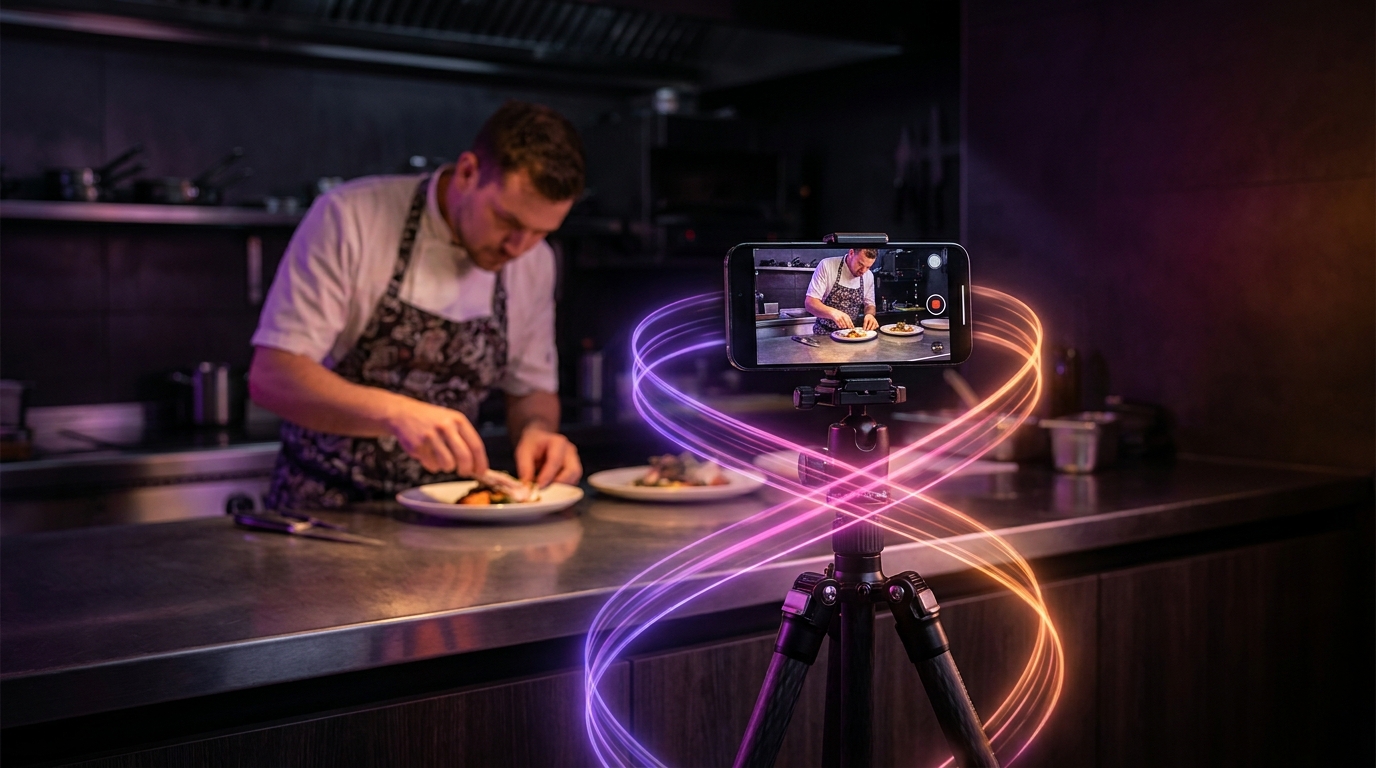
Repurposing your existing short-form videos for Pinterest requires treating the platform as a visual search engine rather than a fast-paced entertainment feed. To succeed in 2026, creators must adapt AI-generated clips by removing platform-specific watermarks, adding clear text overlays, and aligning the content with searchable intent. Instead of simply cross-posting the exact same file to every platform, adapting your clips specifically for Pinterest extends the lifespan of your content from a few fleeting hours to several months of steady, search-driven traffic.
Why Pinterest Requires a Different Video Strategy
Most short-form video platforms prioritize immediate engagement, chronological relevance, and trending audio. Pinterest operates on a fundamentally different model. Users log onto Pinterest to plan future projects, find inspiration for purchases, and learn new skills. Because the platform relies heavily on search queries and categorized boards, a video Pin can surface in user searches months or even years after it was originally published.
This extended shelf life means that highly topical content—like a reaction to yesterday's pop culture news—rarely performs well. Conversely, evergreen content thrives. Tutorials, aesthetic showcases, product demonstrations, and step-by-step guides are the ideal formats for Pinterest. If you have a backlog of educational or visually inspiring clips, adapting them for Pinterest is a highly efficient way to drive sustained outbound traffic to your website, blog, or storefront.
Official Pinterest Video Specifications vs. Best Practices
Understanding what the platform technically accepts versus what its algorithm actually rewards is the first step in successful repurposing. You cannot simply upload a raw clip and expect optimal performance.
According to Pinterest's creative best practices, creators should focus on delivering the core message early and designing for a sound-off experience.
| Feature | Platform Specification | Editorial Best Practice for 2026 |
|---|---|---|
| Aspect Ratio | 1:1, 2:3, 4:5, 9:16 | 9:16 (Vertical) to occupy maximum screen real estate on mobile devices. |
| Video Length | 4 seconds to 15 minutes | 15 seconds to 1 minute. Keep it concise but actionable. |
| File Type | MP4, MOV, M4V | MP4 exported at 1080p for optimal quality and faster loading times. |
| Audio | Optional | Include audio, but heavily rely on burned-in captions for silent viewers. |
| Text Overlays | Allowed anywhere | Place text in the center-middle to avoid UI cropping at the top and bottom. |
When adapting your clips, ensure that any text you add is legible on small screens. Pinterest recommends using high-contrast text and placing your most compelling visual within the first three seconds to stop the user from scrolling past your Pin.
How to Select the Right Clips for Repurposing
Not every video in your camera roll belongs on Pinterest. When reviewing your existing content library, filter your clips based on utility and visual appeal.
If you are extracting moments from longer videos, you can use an AI highlight finder to isolate the most engaging parts of a tutorial, vlog, or product review. Look for segments that demonstrate a clear transformation, such as a before-and-after shot, a recipe coming together, or a room being organized.
It is also important to adjust your expectations regarding video hooks. The hooks that go viral on TikTok often rely on fast pacing, aggressive editing, or trending sounds. On Pinterest, a successful hook is highly visual. A user scrolling through a grid of static images and autoplaying videos will stop for a visually striking end-result or a clear text banner that promises a solution to their specific search query.
Editing Workflows and AI Enhancements
Once you have selected the right clips, the editing phase is where the true adaptation happens. If your original video contains watermarks from other networks, you must remove them or re-export the original file. Pinterest's distribution systems frequently deprioritize content that prominently displays competitor logos.
Because Pinterest is a highly aesthetic platform, you may need to upgrade the visual presentation of a raw clip. You can supplement your existing clips using tools like Canva's AI video generator to create engaging intro cards, generate seamless B-roll for transitions, or design branded text overlays that match your overall board aesthetic. Adding a custom cover image (thumbnail) is also a critical step, as this is what users will see when the video is not actively playing in their feed.
Furthermore, this repurposing strategy is an effective way to make money with clips by attaching outbound destination links to your video Pins. Unlike many short-form platforms that restrict link placement to a creator's bio, Pinterest allows you to attach a specific URL directly to the video Pin itself. This direct linking capability dramatically reduces friction for users looking to purchase a product or read a full article.
Automating Your Clipping Process
Adapting a large library of content manually can be time-consuming. If you need to process long-form source videos (up to 10 hours in length) into vertical formats suitable for Pinterest, utilizing a dedicated AI clipping platform streamlines the workflow.
Viral Day provides a professional video editor designed for this exact process. The platform features AI-assisted clip selection that analyzes footage across 18 viral-potential signals to find the most engaging moments. To meet Pinterest's vertical formatting requirements, Viral Day utilizes Prisma multimodal AI auto reframing, which intelligently tracks the subject to ensure they remain centered in a 9:16 aspect ratio.
To accommodate the large volume of sound-off viewers on Pinterest, the platform generates automatic captions and allows for bulk editing with a custom brand kit. Creators can export their finalized clips in 1080p—or opt for 4K local exports—ensuring high visual fidelity. Viral Day offers an entry plan at $9.99/month, which includes 30 hours of video processing and live monitoring to manage your repurposing pipeline efficiently.